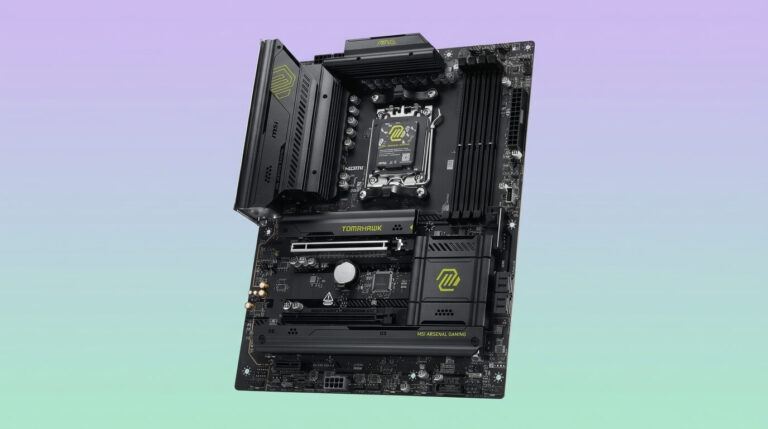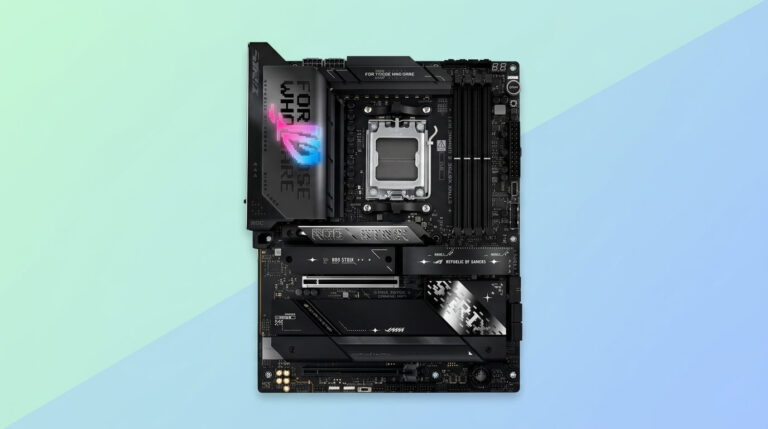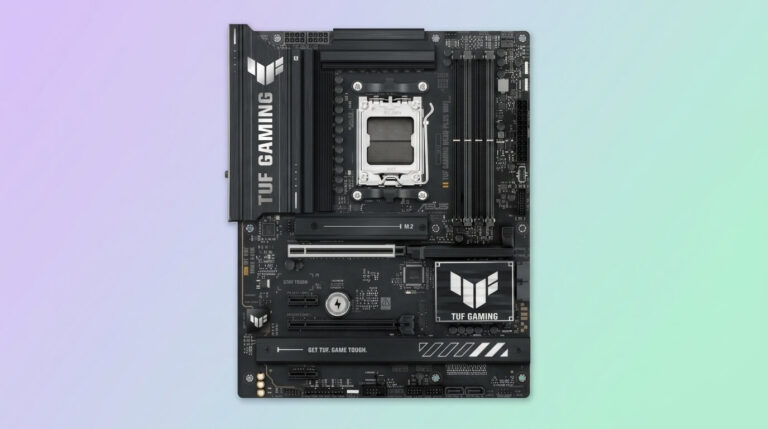
A CPU socket is the mounting interface on a motherboard that holds the central processing unit and connects it electrically to the rest of the computer. It sits at the center of the motherboard, typically beneath the CPU cooler, and forms the physical link through which the processor exchanges power and data with memory, storage, and expansion devices.
Every desktop and server motherboard is built around one specific socket design. The socket determines which processors can be installed, because pin count, pin layout, and physical dimensions differ between socket generations and between manufacturers such as Intel and AMD. A processor built for one socket type cannot be installed in a motherboard with a different socket type.
Socket design also affects how a system is built, upgraded, and repaired. A retention mechanism holds the CPU in place, an alignment key prevents incorrect installation, and a set of contact points carries electrical signals between the processor and the motherboard’s chipset. These elements vary by socket family and generation.
Understanding CPU sockets helps buyers match a processor to a compatible motherboard, plan future upgrades, and identify which components a given system supports. The sections below cover the socket’s definition, connection method, operating principles, main types, and practical identification steps.
CPU Socket Definition
A CPU socket is a mechanical and electrical interface mounted on a motherboard that holds a central processing unit and connects it to the motherboard’s circuitry. It provides a standardized mounting point so that a compatible processor can be inserted, secured, and removed without soldering.
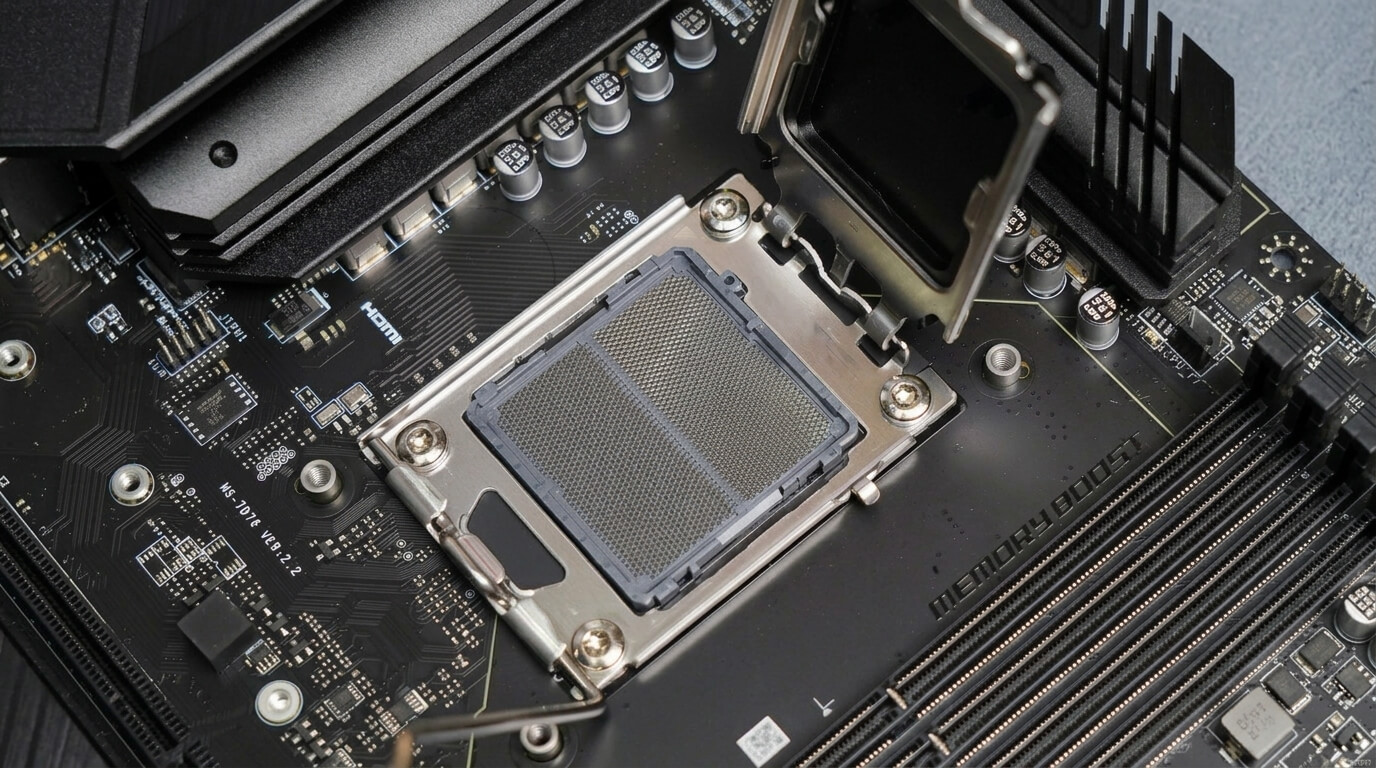
The socket consists of a base housing, a grid of electrical contact points, and a retention mechanism such as a lever or clamp that applies even pressure across the processor. An alignment notch or key ensures the CPU seats in only one correct orientation. Socket contact points connect to circuit traces on the motherboard, which route power and data to the chipset, memory controller, and expansion buses. Socket designs are specific to a processor family; a given socket accepts only CPUs manufactured with a matching pin layout and pin count.
How a CPU Socket Connects to the Motherboard
A CPU socket connects to the motherboard through a fixed array of electrical contact points soldered directly onto the motherboard’s printed circuit board. These contact points align with corresponding pads or pins on the processor, forming a continuous electrical path when the CPU is installed and secured.
The socket housing is permanently mounted to the motherboard using solder joints, which anchor it mechanically and route its contact points to the board’s internal circuit layers. A retention bracket or lever closes over the installed processor and applies uniform pressure, keeping every contact point in stable connection with the CPU. Screws or clips fasten the retention hardware to the motherboard so the connection remains secure during handling, shipping, and heatsink installation. This assembly links the processor to the motherboard’s power delivery circuitry, memory slots, and chipset, allowing every other component in the system to communicate with the CPU.
How a CPU Socket Works
A CPU socket works by maintaining continuous electrical contact between the processor and the motherboard, allowing power and data signals to pass between them. When a compatible CPU is seated and the retention mechanism is closed, each contact point on the socket presses against its matching point on the processor.
This contact carries two categories of signal. Power-delivery contacts supply regulated voltage from the motherboard’s voltage regulator module to the processor’s cores. Data and control contacts carry instructions, memory addresses, and signals between the CPU, the memory controller, and the chipset. Because a socket contains hundreds to thousands of individual contact points, higher pin counts generally support more simultaneous data lanes and higher power delivery, which newer processor generations require. The socket itself performs no computation; it functions as a fixed conduction path that must maintain stable, low-resistance contact under the CPU’s operating temperature and pressure conditions.
Types of CPU Sockets
CPU sockets fall into distinct categories based on where the connecting pins are physically located. The two primary categories are Land Grid Array (LGA) and Pin Grid Array (PGA); a third category, Ball Grid Array (BGA), is soldered permanently to the motherboard and is common in laptops rather than upgradeable desktop systems.
The classification criterion is pin placement: LGA sockets place the pins on the motherboard socket itself, while PGA sockets place the pins on the underside of the processor. This distinction affects installation method, durability, and which manufacturers use each design. Intel uses LGA across its current desktop and server processors. AMD used PGA for its AM4 platform and transitioned to LGA with the AM5 platform. The following sections detail each type’s construction and characteristics.
LGA Sockets (Land Grid Array)
An LGA (Land Grid Array) socket is a CPU socket design in which the connecting pins are built into the motherboard socket, while the processor carries flat, gold-plated contact pads called lands.
When the CPU is inserted, its lands press against the socket’s spring-loaded pins, and a retention lever closes to hold the connection under even pressure. Because the pins remain fixed on the motherboard, LGA sockets support higher pin densities than PGA designs, which allows for faster data transfer and improved power delivery to high-core-count processors. Intel uses LGA across its Core, Core Ultra, and Xeon processor lines, including the LGA1700 and LGA1851 sockets. AMD adopted LGA with its AM5 platform. The socket’s exposed pins are delicate; bent motherboard pins can prevent installation or damage the board, so LGA installation requires careful alignment.
PGA Sockets (Pin Grid Array)
A PGA (Pin Grid Array) socket is a CPU socket design in which the connecting pins are built into the underside of the processor, and the motherboard socket contains a matching grid of holes.
Installation involves aligning the CPU’s pins with the socket holes and lowering the processor into place, often using a zero-insertion-force (ZIF) lever that eliminates the need to apply downward pressure. Because the pins are located on the removable processor rather than the motherboard, a bent pin during handling affects only the CPU and not the board. AMD used PGA for its AM4 platform, supporting several generations of Ryzen processors on DDR4 memory. PGA sockets generally support lower pin densities than comparable LGA sockets, which limits the electrical bandwidth available to newer, higher-core-count processors.
Intel CPU Socket Types
Intel’s current desktop CPU sockets are LGA1700 and LGA1851. LGA1700 supports 12th, 13th, and 14th Generation Core processors built on the Alder Lake and Raptor Lake architectures, with motherboard support for DDR4 or DDR5 memory depending on the specific board. LGA1851 supports Intel Core Ultra Series 2 desktop processors built on the Arrow Lake architecture and requires DDR5 memory exclusively.
LGA1851 shares the same physical mounting dimensions as LGA1700, so many cooling solutions remain mechanically compatible across the two sockets. The sockets themselves are not electrically or mechanically interchangeable: a processor built for LGA1700 does not fit an LGA1851 board, and each socket pairs with its own chipset generation, such as the Intel 700 Series for LGA1700 and the Intel 800 Series for LGA1851. Earlier Intel desktop sockets include LGA1200 (10th and 11th Generation Core), LGA1151 (6th through 9th Generation Core), and LGA1366 (first-generation Core i7), each tied to a specific processor generation and chipset family.
How to Identify Which CPU Socket You Have
To identify a CPU socket, check the motherboard’s model number and cross-reference it with the manufacturer’s specification page, which lists the exact socket type. The model number typically appears printed on the motherboard itself or in the system’s BIOS or UEFI setup screen under a system information section.
A diagnostic utility such as CPU-Z reports the installed motherboard model and socket type directly from within the operating system, without requiring the case to be opened. For prebuilt systems, the manufacturer’s official support page lists socket information when the exact model number is entered. When the motherboard is accessible, the socket type is often printed directly on the board near the CPU mounting area or documented in the printed or digital motherboard manual included at purchase. Confirming the socket type before buying a replacement or upgrade processor prevents a physical or electrical mismatch between the CPU and the board.
Motherboards With Multiple CPU Sockets
A motherboard with multiple CPU sockets contains two or more physical mounting points, each holding an independent processor that shares the system’s chipset, memory architecture, and expansion buses. These boards are commonly described as dual-socket (2S) or multi-socket configurations.
Each socket on a multi-socket board connects to its own dedicated set of memory slots and, in many designs, its own PCIe lanes, allowing the processors to operate with independent memory bandwidth rather than sharing a single pool. The installed processors communicate with each other through a high-speed interconnect built into the motherboard’s chipset. Multi-socket motherboards are used primarily in servers, high-performance computing clusters, and professional workstations that run demanding, parallelizable workloads such as large-scale simulation, virtualization, and multi-threaded rendering. They require processors of matching model and stepping in every socket, along with ECC memory and higher-capacity power delivery than single-socket consumer boards. Mainstream desktop and gaming motherboards use a single CPU socket, since consumer workloads rarely require the additional cores and memory bandwidth that multi-socket designs provide.
CPU Socket vs. CPU Compatibility: Why It Matters
CPU socket type determines whether a processor can be physically installed in a motherboard, which makes it the first compatibility requirement in any build or upgrade. A CPU designed for one socket does not fit a motherboard built for a different socket, regardless of similarities in performance tier or release date.
Matching socket types alone does not guarantee full compatibility. A motherboard’s chipset must also support the specific processor generation, and the installed BIOS or UEFI firmware version must include support for that processor’s model. A motherboard with an outdated BIOS can reject a newer CPU from the same socket family until the firmware is updated, a scenario that commonly occurs when a new processor generation launches shortly after a motherboard model. Memory type presents an additional constraint on some sockets: Intel’s LGA1700, for example, has separate motherboard variants supporting DDR4 or DDR5, so socket compatibility does not confirm memory compatibility. Verifying socket type, chipset support, BIOS version, and memory type together prevents the most common build and upgrade failures.